
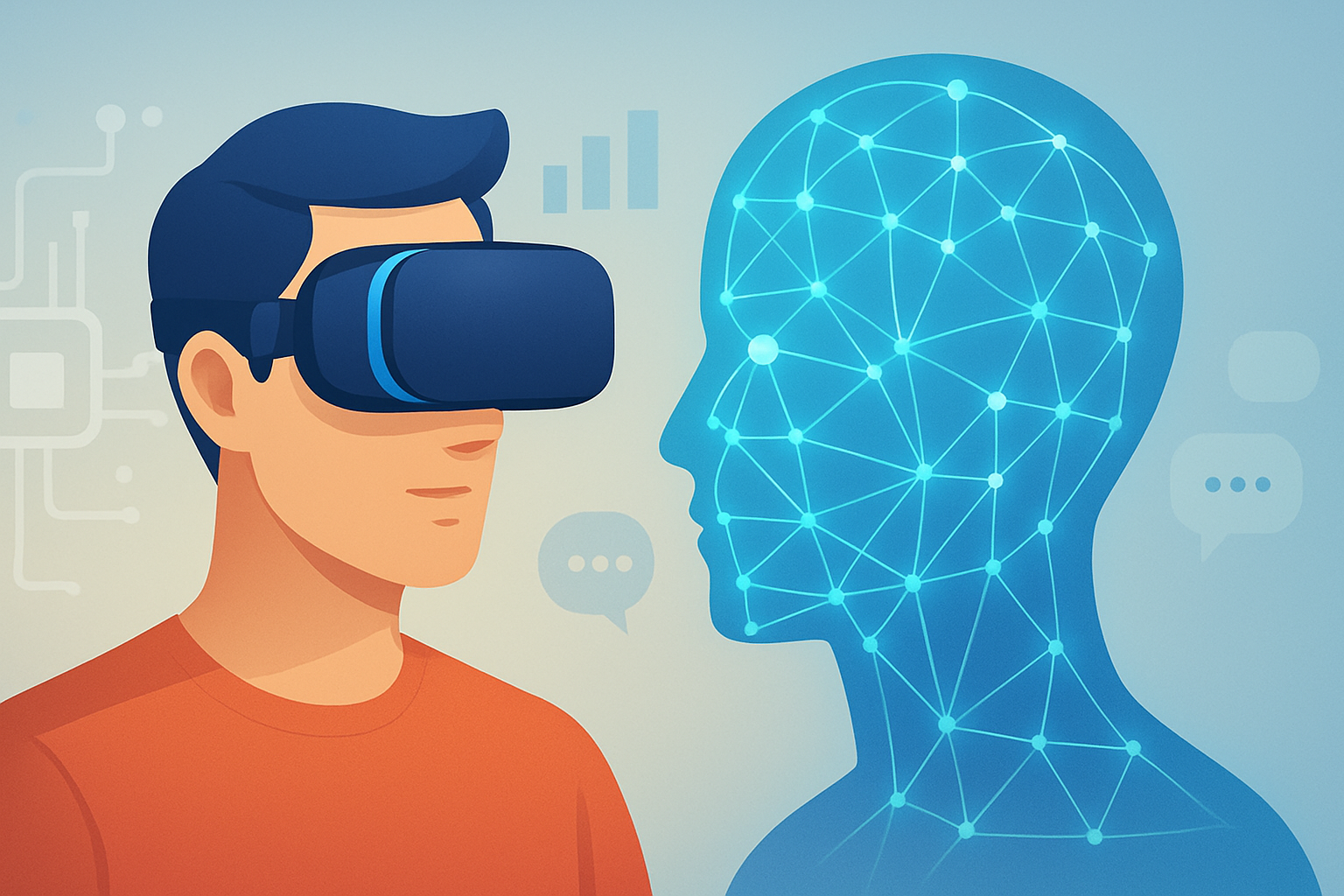
AI Trends in Virtual Reality: How Intelligent Systems Are Changing Immersion
AI is reshaping virtual reality (VR) into a more responsive, personalized, and intelligent medium. Recent trends focus on smarter avatars, real-time environment understanding, and improved interaction safety.
Quick Overview
- AI-driven avatars are becoming more expressive and context-aware.
- Real-time world understanding makes VR experiences feel more “alive.”
- Personalization improves comfort, learning outcomes, and gameplay.
- Safety and accessibility tools reduce risk and expand participation.
Why AI Trends Matter for Virtual Reality Right Now
Virtual reality has matured from novelty into a practical platform. However, many experiences still feel scripted. Meanwhile, AI enables systems to respond dynamically, based on user behavior and context.
As AI models improve at language, vision, and prediction, VR can move beyond fixed interactions. Consequently, users encounter virtual spaces that adapt in real time. This shift is visible across gaming, training, education, and creative tools.
Importantly, AI trends also address persistent VR challenges. These include motion sickness, limited user guidance, and accessibility barriers. With smarter interfaces, VR can become both safer and more usable.
From Static Worlds to Intelligent Experiences
In traditional VR design, developers predefine responses. For example, a character might react only when triggered. Yet AI adds another layer: systems can infer intent, detect emotion, and generate responses in real time.
Therefore, the VR “world” can behave more like a partner. It can notice patterns and adjust scenarios accordingly. This approach changes how users learn, collaborate, and explore.
Intelligent Avatars and Dialogue That Feels Natural
One of the most visible AI trends is the rise of intelligent avatars. These avatars combine speech recognition, natural language processing, and behavioral modeling. As a result, conversations feel less robotic and more conversational.
Additionally, AI can animate avatars with more realistic facial expressions. It can also adapt tone based on user feedback. For instance, a training avatar can slow down when the trainee hesitates.
From a design perspective, this reduces the need for rigid branching scripts. Creators still control the overall experience, but AI handles micro-interactions.
Real-Time World Understanding with Vision Models
Another major trend involves real-time environment understanding. AI systems can interpret spatial inputs, including hand positions, gaze direction, and controller movement. Over time, these systems can map intent and likely next actions.
For example, AI can detect when users are stuck in a puzzle. Then it can offer context-sensitive hints. Similarly, it can adjust object placement to improve reachability and comfort.
Because the system understands what the user is doing, it can reduce frustration. That matters in VR, where errors can quickly break immersion.
Personalization as a Core VR Feature
Personalization is no longer a nice-to-have. Users expect interfaces to match their preferences, skills, and accessibility needs. AI makes that personalization scalable.
Instead of building separate modes for every user type, AI can adapt. It can tune difficulty, pacing, and feedback. Consequently, the same VR application can feel “custom” without manual setup.
Adaptive Difficulty in Games and Simulations
In gaming, AI can adjust enemy behavior based on player performance. It can also optimize level navigation to keep flow consistent. As a result, players spend less time failing and more time engaging.
In training simulations, adaptive difficulty is especially valuable. It can guide a trainee toward mastery while avoiding overload. For example, a virtual technician might receive targeted coaching during specific mistakes.
Personal Comfort, Motion Sickness Mitigation, and Better Tracking
VR comfort remains a critical barrier. AI can help by detecting discomfort signals indirectly. It may monitor movement patterns, pause frequency, and head motion instability.
Then, the system can adjust locomotion methods or reduce conflicting motion cues. It can also improve interaction timing to reduce jitter. While no solution fits everyone, AI offers a more responsive approach.
Moreover, personalization supports accessibility. Users with limited mobility can receive alternative interaction methods. This includes gaze-based selection or simplified gestures.
AI for Content Creation Inside Virtual Reality
Building VR content traditionally requires specialized skills. Yet AI is changing the pipeline. Designers can prototype faster, iterate safely, and generate variations without starting from scratch.
In many workflows, AI assists with asset creation, voice narration, and scene layout. It can also help generate interactive elements. For example, a creator can describe a virtual world and receive a usable draft.
However, creators still need artistic direction. AI speeds early stages, but review remains essential. Consequently, the best teams treat AI as a co-pilot, not an autopilot.
Faster Prototyping and Iteration Loops
AI can shorten the time between an idea and a testable experience. A team might generate dialogue options, then quickly test them in VR. Then, it can refine those options based on user behavior.
This creates a feedback-driven loop that resembles product design. Instead of waiting for a full production cycle, teams can validate interaction quality early.
AI-Assisted Localization for Global Audiences
Localization is another strong use case. AI can translate scripts, adapt idioms, and synchronize voice output. That reduces delays when deploying VR experiences internationally.
Additionally, AI can help adjust cultural context for training and education. A phrase that works in one region may confuse users elsewhere. AI can recommend safer and clearer wording.
If you want ideas beyond VR, explore best AI tools for content creators.
How AI Is Improving VR Safety and Social Spaces
Social VR is exciting, but it introduces new risks. Users can encounter harassment, disorientation, or harmful behavior. AI can help detect and prevent issues while supporting moderation.
For example, systems may identify unsafe language patterns. They can also flag unusual interactions in shared spaces. Then, moderators can review incidents faster.
Even in solo experiences, AI can support safety. It can prompt users to pause if they show signs of fatigue. It can also guide users away from risky areas in training simulations.
Moderation, Consent, and Interaction Boundaries
AI moderation is still evolving. Yet many platforms are moving toward automated assistance. This includes filtering slurs, detecting threats, and limiting spam.
Consent features also benefit from AI. The system can verify whether a user opted into particular interactions. It can then enforce boundaries when behavior changes.
Importantly, strong moderation must balance privacy and usability. Therefore, implementations should be transparent and user-controlled.
AI in VR Education and Training: Measurable Learning Gains
Education and training are among the most promising VR domains. AI adds assessment and coaching capabilities. As a result, learners get feedback that is immediate and individualized.
Instead of grading only end results, AI can track process. It can identify repeated mistakes and estimate mastery. Then it can recommend targeted practice.
In corporate training, this improves time-to-competency. In schools, it can help differentiate instruction without extra teacher load.
Scenario-Based Learning That Adapts to the Student
AI can generate branching scenarios dynamically. If a learner answers incorrectly, the VR tutor can adjust the next prompt. It can also change the environment to highlight relevant concepts.
For instance, a biology module might adapt to how a student interacts with virtual specimens. The system can detect which explanations the student ignored. Then it can reintroduce key ideas through a different approach.
This adaptability supports engagement. It also aligns with how humans learn—through repetition and feedback.
You can also read AI in education: the future of learning for broader context.
How It Works / Steps
- Capture interaction signals: VR tracks head movement, hand gestures, gaze, and controller inputs.
- Interpret context with AI: models detect intent, confidence, and likely user goals.
- Generate or retrieve responses: the system either selects scripted content or generates new dialogue.
- Update the virtual environment: AI adjusts prompts, animations, object behaviors, or assistance.
- Adapt using feedback loops: it measures outcomes and tunes future interactions for better results.
Examples of Emerging AI Trends in Virtual Reality
These trends show up across products and pilots. Below are realistic examples of how they function in practice.
- AI tour guides in immersive museums: conversational avatars answer questions and adjust the route based on interests.
- Virtual therapists with adaptive pacing: guided sessions respond to user input and adjust breathing or grounding prompts.
- Customer support in VR spaces: avatars explain processes and point to relevant objects in context.
- Training simulators for complex tasks: AI evaluates steps, detects errors, and offers targeted hints.
- Co-creative design tools: users generate environments using natural language and refine them in VR.
If you’re interested in customer-focused applications, review how to use AI for customer insights.
FAQs
What are the biggest AI trends in virtual reality?
The biggest trends include intelligent avatars, real-time environment understanding, and personalization. Safety and moderation tools are also gaining attention.
Will AI replace VR developers?
No. AI tools reduce workload and speed prototyping, but developers still control the experience design and quality.
How does AI improve safety in VR?
AI can detect unsafe language, identify risky behavior patterns, and prompt breaks. It can also improve interaction guidance for users who need assistance.
Can AI reduce motion sickness?
It can help by adjusting locomotion options and timing based on observed discomfort signals. However, results vary by user and device.
Where is AI in VR most useful today?
Education, training, and interactive storytelling are leading areas. Gaming also benefits, especially through adaptive difficulty and more natural dialogue.
Key Takeaways
- AI is turning VR from scripted interaction into responsive experience design.
- Personalization improves comfort, accessibility, and learning effectiveness.
- Real-time understanding enables smarter hints, coaching, and environment changes.
- Safety, consent, and moderation will shape adoption in social VR.
Conclusion
AI trends in virtual reality are moving the industry toward more immersive and human-like interactions. As intelligent avatars, vision-based understanding, and personalization mature, VR can become easier to use and harder to outgrow.
Meanwhile, the most valuable innovations will likely blend creativity with responsibility. That means improving comfort, reducing risk, and ensuring user control. In the near future, the VR experience may feel less like a stage and more like a responsive world.





