
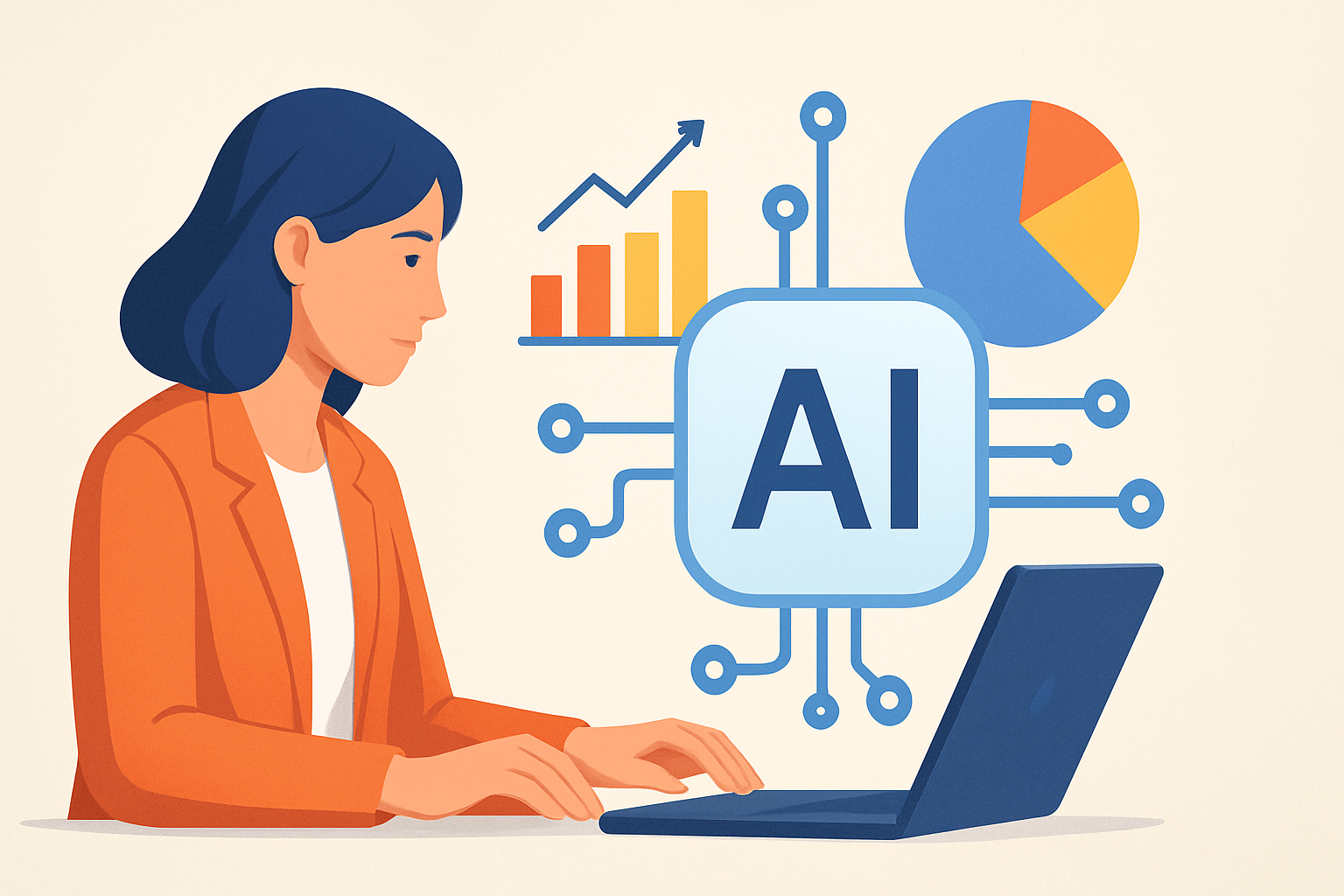
How to Use AI for Business Intelligence: A Practical Guide for Smarter Decisions
Business intelligence has always been about making decisions with data. However, traditional dashboards can only show what happened. Today, AI for business intelligence adds prediction, automation, and deeper insights. As a result, teams spend less time hunting for answers and more time acting on them.
In this guide, you will learn how to use AI for business intelligence step by step. You will also understand what AI adds beyond reporting. Furthermore, you will get practical tips for beginners, governance, and tool selection. Whether you lead analytics, finance, marketing, or operations, the approach works across functions.
What is AI for Business Intelligence?
AI for business intelligence is the use of machine learning and related techniques to analyze business data. Then, it turns analysis into forecasts, recommendations, and automated explanations. Unlike standard BI, it can handle unstructured data like text, emails, and support tickets.
In other words, AI can move BI from “reporting” to “decision support.” For example, dashboards may show a drop in sales. Meanwhile, AI can explain likely drivers and predict future outcomes. It can also suggest what actions to test next.
Common AI-enabled BI capabilities include:
- Forecasting: Predict demand, churn, revenue, or staffing needs.
- Classification: Label customer segments or ticket categories.
- Anomaly detection: Spot unusual activity, fraud, or system issues.
- Natural language insights: Ask questions in plain language and get answers.
- Optimization: Recommend budgets, routes, or inventory strategies.
Because businesses rely on many data sources, AI can unify them. Additionally, it can reduce manual analysis. However, the impact depends on data quality and good implementation.
How does AI for Business Intelligence work?
AI-driven BI usually follows a pipeline: data preparation, model building, and insight delivery. Each stage matters, and small issues can lead to unreliable outputs. Therefore, a clear workflow helps you scale responsibly.
Here is a typical process teams use:
1) Connect and prepare data
First, you gather data from systems like CRM, ERP, analytics platforms, and spreadsheets. Then, you standardize schemas and ensure consistent definitions. After that, you clean missing values and remove duplicates.
At this stage, governance is essential. So you should also apply access controls and logging. If data is wrong, AI will confidently learn the wrong patterns.
2) Choose the right AI use case
Next, you define a business goal. Then, you select AI methods that match that goal. For example, forecasting uses time-series models, while text insights may use natural language processing.
Good use cases are specific and measurable. For instance, “Reduce churn by 2% in 90 days” is easier than “Improve retention.”
3) Train models and validate performance
Then, you train models using historical data. Afterward, you evaluate them on separate test datasets. This step helps prevent overfitting and unrealistic expectations.
In practical terms, you should track metrics aligned to business outcomes. Accuracy alone may not be enough. For example, in anomaly detection, you care about false alarms and missed events.
4) Deploy insights into workflows
After validation, you integrate results into tools people already use. Many teams embed AI insights into BI dashboards or internal portals. Others use alerts, dashboards, or chat-based systems.
Crucially, outputs should be explainable and actionable. A model that says “increase spend” is less useful than one that explains “increase spend in Segment A due to rising conversion.”
5) Monitor and improve over time
Finally, AI performance can drift when behavior changes. For example, seasonal patterns shift or competitors react. Therefore, monitoring should track accuracy and outcomes continuously.
If you want a strong automation foundation, consider this step-by-step approach: Step-by-Step Guide to AI Automation. AI BI often benefits from automation in data pipelines and reporting.
Why is AI for Business Intelligence important?
AI for business intelligence matters because modern business moves faster than manual analysis. Teams face more data, more channels, and more frequent changes. Traditional BI can lag behind, especially when questions require deep exploration.
AI helps close that gap. It can find patterns hidden inside large datasets. It can also translate data into recommendations. As a result, decision cycles get shorter.
Here are major benefits companies commonly see:
- Faster insight discovery: Reduce time spent on manual slicing and filtering.
- Better forecasting: Improve planning for revenue, inventory, and staffing.
- Earlier risk detection: Identify churn signals, fraud patterns, and operational anomalies.
- Personalized decision support: Tailor insights for different departments or customer groups.
- Scalable analysis: Handle more queries and larger datasets without proportional labor.
Moreover, AI can support leaders who are not data experts. Natural language interfaces make it easier to ask questions. Therefore, adoption grows beyond analytics teams.
At the same time, AI is not magic. It amplifies whatever data and processes you already have. If you improve data quality and governance, AI becomes a multiplier.
Is AI for Business Intelligence better than traditional BI?
AI is not automatically better than traditional BI. Instead, AI complements it. Traditional BI is excellent for describing performance and visualizing trends. AI adds predictive and prescriptive capabilities, which can improve planning and action.
Think of it as a spectrum:
- Traditional BI: “What happened?”
- AI-enabled BI: “Why did it happen?” and “What will happen next?”
- Advanced AI: “What should we do next?” with optimization and recommendations.
Also, AI can reduce repetitive analysis tasks. For example, it can summarize monthly performance and highlight exceptions. However, traditional BI remains essential for trust and transparency. Many organizations run both in parallel.
To understand how AI affects planning and operations, you may also like: How AI Is Changing the Future of Work. It explains how teams adapt when analytics becomes more automated.
In short, AI BI is better when you need prediction, detection, and automation. Traditional BI is better when you need straightforward reporting and audit-ready metrics. The best strategy uses both, based on use case.
Can beginners use AI for Business Intelligence?
Yes, beginners can use AI for business intelligence. However, success depends on starting with the right scope. Instead of building complex models from scratch, many teams begin with guided platforms and clear metrics.
Beginner-friendly steps include:
- Start with one KPI: Choose a metric like churn, conversion rate, or revenue.
- Collect historical data: Gather at least several months, ideally more.
- Use a simple use case: Try forecasting or anomaly detection first.
- Validate results: Compare model output to known outcomes.
- Deploy to a workflow: Add alerts or summaries to existing dashboards.
Additionally, you should learn how data definitions work in your organization. Many “AI failures” are actually data or process issues. Therefore, focus on cleaning, consistent naming, and reliable event tracking.
If you want to explore broader automation concepts alongside AI BI, use this resource:
For a more hands-on view of how AI can be embedded into applications, you may also find value in: How to Build Your First AI Chatbot. While chatbots are not the only BI interface, they illustrate how natural language can connect to data.
Finally, beginners should prioritize interpretability. Ask for explanations of key outputs. For example, why did churn risk increase? The answer should reference relevant signals, not vague correlations.
Practical workflow: how to implement AI BI in your business
Now that you understand the fundamentals, you can apply them. This section outlines a practical implementation plan that fits most businesses.
Step 1: Identify the business question
Choose a question that has a clear business action. For example, “Which accounts are likely to churn?” can lead to targeted outreach. Meanwhile, “Which SKUs will run out in two weeks?” can improve inventory decisions.
Step 2: Map data sources to signals
Then, list the data sources behind the question. Typical sources include transaction history, product usage, marketing campaigns, and support interactions. Next, identify which signals matter and how they are measured.
Step 3: Build a baseline with traditional BI
Before adding AI, confirm your baseline. Use dashboards and descriptive analytics to ensure the KPI behaves correctly. If the baseline is wrong, AI will inherit the same problems.
Step 4: Add AI incrementally
Next, introduce AI for one capability at a time. Start with forecasting or anomaly detection. Then, evaluate whether decisions improve, not just whether charts look impressive.
Step 5: Create an “insight-to-action” loop
Insights should trigger workflows. For example, when AI predicts churn risk, the system can alert a customer success manager. Alternatively, it can recommend retention offers based on historical patterns.
Because teams differ, you should align the output with roles. Finance may need weekly forecasts. Marketing may need segment-level drivers. Operations may need anomaly alerts and root-cause hints.
Step 6: Establish governance and responsible AI practices
AI BI often touches sensitive data. Therefore, you should implement governance from day one. Consider privacy, security, and model accountability.
Key governance practices include:
- Access control: Limit who can view and edit data.
- Audit trails: Track which data and models produced outputs.
- Human review: Require approvals for high-impact decisions.
- Bias checks: Validate performance across segments.
- Data retention policies: Follow compliance and legal requirements.
Common AI BI use cases you can start with
If you want practical ideas, here are AI BI use cases that deliver value quickly. They also help you build momentum internally.
- Sales forecasting: Predict revenue by region, channel, and product line.
- Churn prediction: Identify customers at risk using usage and support signals.
- Customer sentiment analysis: Extract themes from reviews and tickets.
- Marketing mix insights: Estimate which campaigns drive conversions and retention.
- Operational anomaly detection: Detect unusual spikes in failures or demand.
- Finance variance explanations: Attribute budget variances to drivers.
Also, if your focus is customer-facing, exploring AI in service can help. See How AI Is Transforming Customer Service for examples of insights that feed BI.
Key Takeaways
- AI for business intelligence turns reporting into prediction and recommendations.
- Successful AI BI depends on data quality, clear use cases, and validation.
- AI complements traditional BI, especially for “why” and “what next” questions.
- Begin with one KPI and deploy insights into real workflows.
- Governance is essential for privacy, auditability, and trust.
Ultimately, the goal is not just smarter models. It is better decisions. When AI BI is implemented thoughtfully, it helps organizations move from reactive reporting to proactive strategy. And that shift can create measurable advantages across the business.





