
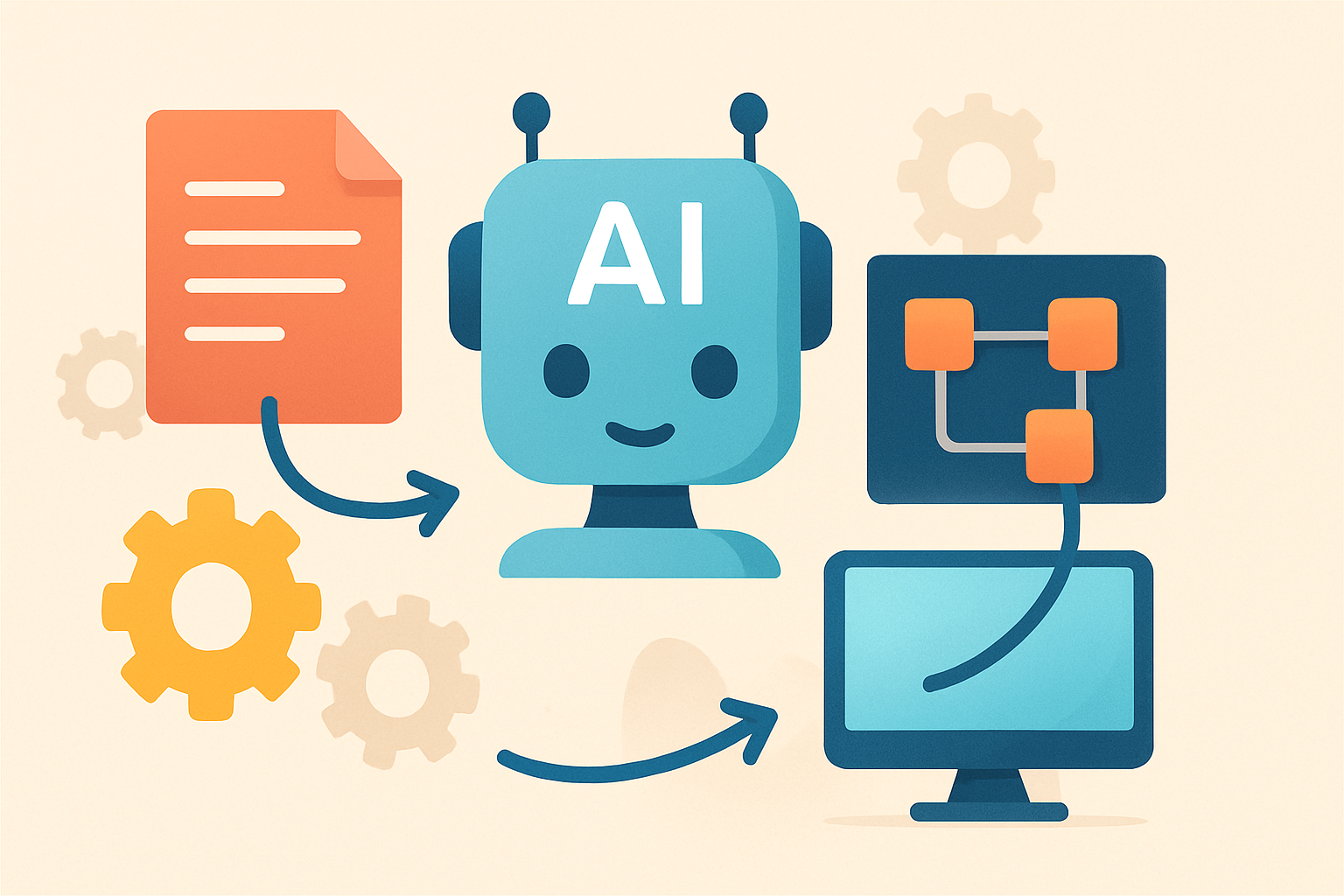
How to Use AI for Workflow Optimization
AI workflow optimization helps teams automate repetitive work, standardize decisions, and surface bottlenecks. It improves speed, quality, and accountability when you deploy it thoughtfully.
Quick Overview
- Start with workflow mapping and clear success metrics.
- Use AI to draft, classify, route, and summarize work.
- Integrate AI into tools your team already uses.
- Continuously measure outcomes and refine prompts and rules.
Why AI Workflow Optimization Matters Now
Workflows are the hidden engine of most modern teams. They decide what gets done, who does it, and how fast decisions happen. However, many workflows still rely on manual handoffs and inconsistent processes.
That’s where AI becomes valuable. With the right approach, AI can reduce repetitive work and help teams act on information sooner. Even small improvements can compound across weeks and months.
Additionally, AI can improve consistency. It can apply the same standards to tickets, drafts, and approvals. Consequently, quality becomes more predictable across the organization.
What “Workflow Optimization” Means in AI Terms
Workflow optimization is not just about automation. It’s about redesigning a process so it produces better results with less effort. In practice, that often includes reducing cycle time, minimizing errors, and improving throughput.
AI supports this goal in several ways. For example, it can interpret unstructured inputs like emails and documents. It can also assist with decision-making using learned patterns and rules.
At the same time, workflow optimization should remain grounded. You still need humans for high-stakes decisions. Therefore, the best systems combine AI speed with human judgment.
Step-by-Step: How to Use AI for Workflow Optimization
- Map your current workflows end-to-end. Identify every handoff, delay, and rework loop.
- Pick one workflow with measurable impact. Choose a process where cycle time or quality is clearly tracked.
- Define the inputs and desired outputs. Specify what the AI should read and what it should produce.
- Establish quality standards and guardrails. Decide what “good” looks like and what must never be automated.
- Automate low-risk tasks first. Start with drafting, labeling, summarizing, or routing.
- Integrate AI into existing tools. Connect your AI layer to your CRM, ticketing, docs, or messaging.
- Measure performance against baseline metrics. Track time saved, error rates, and approval turnaround.
- Iterate with feedback. Update prompts, templates, and rules based on real outcomes.
Step 1: Map Workflows Like an Engineer
Before adopting AI tools, you need clarity. Start by documenting the workflow from trigger to completion. Include roles, systems, and decision points.
Next, mark where delays occur. Common examples include waiting for approvals, missing context in tickets, or slow document drafting. Then identify rework sources, like inconsistent formatting or unclear requirements.
Once you know where friction lives, AI can target it. This prevents random automation that doesn’t improve outcomes.
Step 2: Choose the Right Workflow to Optimize
Not every workflow benefits equally from AI. The best candidates have repeatable steps and structured success criteria. Additionally, workflows with lots of text-based work often show faster gains.
Good early targets include help desk triage, intake forms, and marketing content pipelines. These processes handle similar inputs repeatedly. As a result, AI can learn useful patterns quickly.
Consider also workflows that produce measurable outputs. If you track turnaround time, quality, or conversion, optimization becomes easier to prove.
Step 3: Identify AI-Ready Tasks
AI works best when tasks have clear boundaries. Therefore, break your workflow into smaller activities. Then classify each activity by automation readiness.
Look for tasks that match these categories:
- Text processing: summarizing emails, extracting fields from documents, converting formats.
- Classification: tagging requests, routing issues to the right team, labeling leads.
- Drafting assistance: creating first drafts for responses, briefs, or reports.
- Knowledge support: answering questions using internal documentation.
- Quality checks: spotting missing details, flagging policy risks, detecting inconsistencies.
Conversely, avoid fully automated steps for highly regulated or high-risk decisions. Instead, use AI to recommend actions and let humans finalize.
Step 4: Define Guardrails and Quality Standards
AI outputs can be wrong. That risk increases when stakes are high or data is sensitive. For that reason, guardrails are essential from day one.
First, decide which tasks require human approval. Examples include financial decisions, legal statements, and security actions. Next, establish what sources AI can use. Prefer trusted internal docs over unverified external text.
Then implement formatting and policy constraints. For instance, responses can follow a template with mandatory fields. This reduces variation and improves review speed.
Step 5: Start Small with High-Value Automation
Organizations often fail by deploying large systems too early. Instead, begin with one or two steps that are low-risk and high-frequency. Then expand once you confirm measurable benefits.
For example, you can start with AI-driven triage. The model can summarize a new ticket and suggest a category. After that, routing becomes faster and more consistent.
Alternatively, you can start with drafting. AI can create a first response based on guidelines. Then a teammate edits and sends. This approach can reduce cycle time without sacrificing control.
Step 6: Integrate AI into Your Tooling Stack
AI rarely delivers value in isolation. It must connect with the systems where work happens. Otherwise, teams face an extra step of copy-pasting results.
Therefore, integrate AI with common workflow platforms. Depending on your stack, that may include:
- Ticketing systems for support workflows
- CRMs for lead and customer management
- Document tools for briefs, SOPs, and reports
- Collaboration platforms for approvals and task tracking
- Scheduling and intake forms for operational workflows
If you’re exploring automation across teams, consider also best AI tools for collaboration. Collaboration tools often provide the connective tissue for AI-driven workflow steps.
Step 7: Measure the Impact with Real Metrics
Workflow optimization needs evidence. Start with baseline measurements. Then compare improvements after AI deployment.
Strong metrics include:
- Cycle time: time from request to completion
- First-pass quality: reduced rework after review
- Throughput: tasks completed per week
- Error rate: incorrect classifications or missing fields
- Cost per task: time and tool overhead
- User satisfaction: feedback from reviewers and end users
As you optimize, document what changes improved outcomes. This builds institutional knowledge and helps scaling.
Step 8: Iterate with Feedback Loops
AI systems improve when you learn from mistakes. Therefore, create a feedback loop. Capture reviewer comments, correction reasons, and edge cases.
Then refine prompts and templates based on that data. Also adjust routing rules when the model misclassifies frequent categories. Over time, the workflow becomes more reliable.
Finally, revisit the workflow map periodically. As teams adopt new tools, bottlenecks shift. AI should adapt alongside those changes.
Practical Examples of AI Workflow Optimization
Customer Support Triage
Support teams receive repetitive issues daily. AI can summarize incoming messages and extract key details like product names and error codes. Next, it can suggest categories and priority levels.
Consequently, agents spend less time reading and more time solving. Meanwhile, supervisors gain better visibility into recurring problems.
Marketing Content Production
Marketing workflows involve research, drafting, and approvals. AI can help by generating outlines from campaign goals and brand guidelines. Then it can draft first versions of landing pages or ad copy.
However, creative direction still needs human oversight. You can also apply AI quality checks for tone and consistency.
If you want to explore a related area, see how to use AI for video marketing. Video workflows often benefit from script drafting, thumbnail ideation, and content repurposing.
Budget and Planning Workflows
Planning requires structured inputs and careful assumptions. AI can transform raw notes into structured line items and scenarios. It can also generate forecast tables from historical context.
Then humans review the assumptions and finalize the plan. This reduces manual work while keeping accountability.
For a deeper dive, read how to use AI for budget planning. It covers practical approaches to scenario modeling and review workflows.
Sales Lead Qualification and Routing
Sales teams often spend time deciding which leads deserve attention. AI can score leads using criteria from CRM fields and past conversion outcomes. It can also draft personalized first outreach messages.
As a result, reps follow up faster. Additionally, teams can standardize lead qualification, reducing missed opportunities.
How It Works / Steps
- Ingest inputs: Capture the request, ticket, email, or form submission.
- Normalize data: Convert content into a consistent structure.
- Apply AI tasks: Summarize, classify, extract fields, or draft outputs.
- Enforce guardrails: Validate against policies, templates, and required fields.
- Route or present results: Send recommendations to the next workflow step.
- Human review: Approve, correct, or escalate as needed.
- Log feedback: Store corrections to improve future responses.
Key Tools and Capabilities to Look For
When selecting AI tools for workflow optimization, focus on capabilities that map to your tasks. You’ll typically want options for extraction, summarization, classification, and automation triggers.
Also prioritize integrations. A model with strong outputs but weak connectors will slow adoption.
Finally, look for governance features. These include permission controls, audit logs, and data handling policies.
FAQs
What is the best workflow to start optimizing with AI?
Start with a repeatable process that has measurable cycle time or quality metrics. Triage, drafting, and routing tasks usually deliver fast value.
Will AI fully automate my workflow?
Often, the best approach is partial automation. Use AI for drafting and recommendations, then rely on humans for approval and high-risk steps.
How do I prevent AI errors from harming operations?
Add guardrails, required templates, and validation checks. Also require human review for sensitive decisions and log corrections for iteration.
How long does it take to see results?
Many teams see early gains within a few weeks. Larger deployments take longer, especially when integration and governance are involved.
Key Takeaways
- Workflow optimization starts with mapping and metrics.
- Use AI for classification, summarization, drafting, and quality checks.
- Integrate AI into existing tools to avoid extra steps.
- Measure outcomes and improve continuously through feedback loops.
Conclusion
Learning how to use AI for workflow optimization is less about chasing trends. It’s about redesigning processes with evidence and discipline. When you start with the right workflow and deploy AI in controlled steps, teams move faster without losing quality.
Moreover, AI becomes most powerful when it fits into your workflow’s real constraints. That includes approvals, governance, and integration requirements. As you iterate, optimization compounds and becomes a durable advantage.
If you’re building toward broader transformation, keep exploring the ecosystem. Related reads like collaboration-focused AI deployments can help you scale from one workflow to many.





