
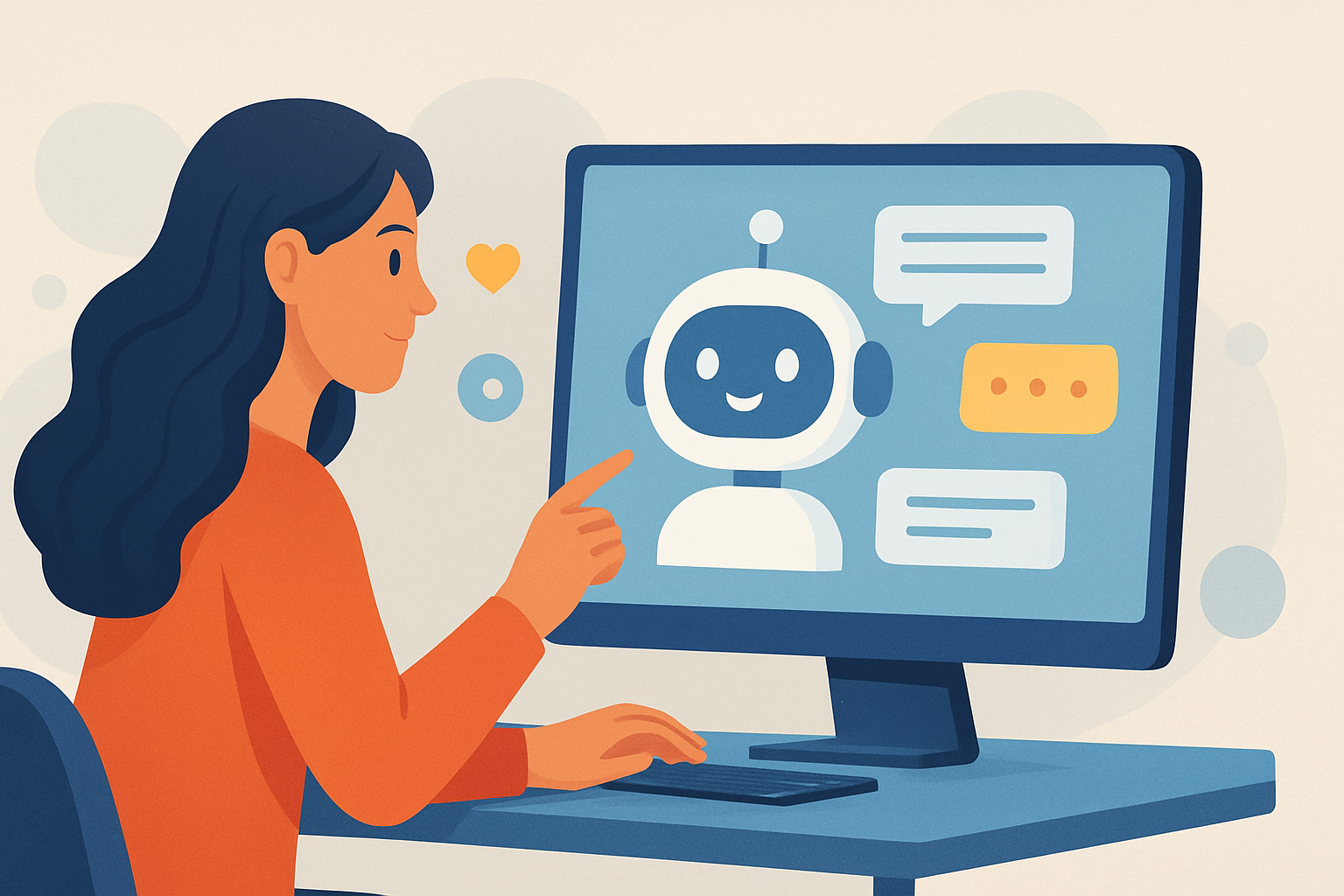
How AI Is Enhancing User Experience: From Personalization to Trust
Artificial intelligence is no longer a futuristic concept. Instead, it is becoming a practical layer across products, platforms, and services. As a result, user experience (UX) is improving in ways that feel both faster and more intuitive.
Importantly, this shift is not only about adding chatbots. It also includes personalization, predictive interfaces, accessibility improvements, and safer systems. Therefore, businesses that design with AI can create experiences that adapt to people in real time.
In this article, we’ll explore how AI is enhancing user experience across common digital touchpoints. We’ll also discuss measurable benefits, key risks, and practical steps teams can take to deploy AI responsibly.
AI-Enhanced User Experience: What “Better” Really Means
AI can enhance UX by reducing friction. It can also help users reach goals with fewer steps. However, “better” does not always mean more automation. Sometimes it means clearer guidance, fewer errors, or more relevant information.
For modern products, users expect three things. They want speed, relevance, and trust. AI can support all three when it is implemented thoughtfully.
To clarify, AI-driven UX typically improves outcomes in these areas:
- Personalization that adapts content and recommendations
- Proactive assistance that anticipates needs before users ask
- Faster interaction through automation and streamlined workflows
- Higher accessibility using language, speech, and vision support
- More consistent service with intelligent support and routing
Personalization That Feels Natural, Not Random
Personalization has been a major UX theme for years. Yet traditional approaches often rely on static segmentation. As a result, recommendations can feel generic or inconsistent across sessions.
AI changes that dynamic. Machine learning models can learn patterns from behavior, context, and preferences. Consequently, the product can tailor experiences in near real time.
For example, AI can adjust what users see on a home screen. It can also optimize search results based on intent. Most importantly, it can refine recommendations as new data arrives.
Where AI Personalization Shows Up
Personalization becomes most valuable when it reduces decision fatigue. Instead of showing endless options, AI can guide users toward likely matches. Then users spend less time searching and more time doing.
- Smart recommendations in feeds, shopping, or learning platforms
- Context-aware search that understands user intent
- Dynamic onboarding that adapts steps to skill level
- Personalized notifications that avoid unnecessary alerts
Additionally, good personalization respects user control. For example, users should be able to adjust preferences. This transparency helps users trust the system.
AI-Powered Customer Support That Improves UX at Scale
Customer service is a high-impact part of UX. When users struggle, they want fast clarity. However, support teams often face spikes in demand and repetitive questions.
AI helps by handling routine inquiries and routing complex cases. That reduces response times and increases first-contact resolution. Yet it can also make support more consistent across channels.
Teams can design AI support to answer questions, guide troubleshooting, and summarize conversations. Then human agents step in when needed. This hybrid approach often feels smoother to users than a hard handoff.
To learn more about this broader shift, see how AI is transforming customer service.
Designing the Best AI Support Experience
AI support should not feel like a dead end. Therefore, UX design matters as much as model quality. Users need confidence that they are making progress.
- Clear escalation paths to human support when answers fall short
- Actionable responses with steps and links, not vague text
- Conversation memory so users repeat less information
- Rate-limited interventions to avoid overwhelming users
Most importantly, AI should be transparent. If a response is generated by AI, users should know. That clarity can reduce frustration and improve trust.
Faster Workflows Through AI Automation
UX is not only about screens. It also involves time spent completing tasks. AI can enhance UX by automating parts of workflows that users previously handled manually.
For instance, AI can draft emails, generate reports, or classify documents. It can also pre-fill forms with extracted information. As a result, users spend less time on repetitive steps.
Meanwhile, automation can reduce the chance of human error. Therefore, processes become more reliable.
If you want related ideas, explore AI tools for automating your workflow.
What to Automate First
Not every workflow is ready for automation. Teams should start with areas that meet two criteria: high volume and predictable outputs. Additionally, the workflow should have clear success metrics.
- Document processing like extraction, labeling, and summarization
- Template-based tasks where users review and approve changes
- Routing and triage for tickets, leads, or approvals
- Status updates that reduce manual checking
Also, offer “undo” and editing. Users are more comfortable when AI suggests changes they can control.
AI in Mobile Apps: Smarter Interfaces Everywhere
Mobile experiences have unique constraints. Screen size is limited, and attention is short. That makes predictive UX especially valuable.
AI can help mobile apps by understanding user context, location, and historical behavior. Then it can offer relevant next actions. This improves usability without requiring users to navigate deeply.
Additionally, AI supports voice interactions and transcription. Those features can help users operate an app while multitasking. Over time, this leads to a more seamless experience.
For teams building mobile product features, this direction aligns with broader AI trends in mobile apps development.
Examples of AI-Driven Mobile UX Improvements
- Personalized feed ranking based on real behavior signals
- Voice-to-text for faster input and reduced typing effort
- Gesture and image understanding for navigation and search
- Proactive reminders when context indicates a user might need help
However, developers must still consider battery usage and latency. UX quality depends on how quickly AI responses appear.
Accessibility Gains: AI Makes Products Usable for More People
Accessibility is one of the strongest reasons to adopt AI in UX. AI models can enable features that were previously difficult to build at scale. Therefore, more users can interact with products comfortably.
For example, AI can translate text in real time. It can also generate summaries that reduce reading load. Moreover, it can support image description for users who rely on screen readers.
Speech technologies also improve accessibility. They can help users with motor impairments by allowing voice input. Then the app can respond with readable output.
Crucially, accessibility features should be tested with real users. AI systems can fail in edge cases. Yet careful design can make these tools genuinely helpful.
Practical Accessibility Use Cases
- Screen reader enhancements using vision and language models
- Real-time translation for global user experiences
- Reading-level adjustments to match user preferences
- Captioning and transcripts for audio and video content
When accessibility is built into the product, it improves UX for everyone. It also supports legal compliance goals for many organizations.
Trust, Privacy, and Safety: The UX Challenge No One Can Ignore
AI can improve UX, but it can also introduce new risks. Users may worry about data collection. They may also lose trust if AI responses are inaccurate or biased.
Therefore, teams must treat trust as a UX feature. That includes privacy controls, safe fallbacks, and clear user expectations.
For instance, AI should avoid inventing information. It should cite sources when possible. It should also explain limitations in plain language.
Security matters too. AI systems can become targets for abuse if not protected. Consequently, organizations need robust safeguards and monitoring.
For a related security perspective, check out top AI trends in cybersecurity.
UX Patterns That Build Trust
- Consent and transparency about what data is used
- User control over personalization and AI suggestions
- Confidence cues when answers may be uncertain
- Auditability for regulated workflows
When trust improves, adoption improves too. Users are more likely to engage with AI features when they feel safe.
Measuring AI UX Improvements: Metrics That Matter
AI enhancements should be evaluated like any product change. Teams need evidence that UX is truly improving. Otherwise, AI becomes an experiment with unclear value.
Common UX metrics include task completion time, conversion rates, and user satisfaction. Yet AI systems also need model-specific evaluation. For example, accuracy, latency, and escalation rates can indicate quality.
Importantly, measurement should be continuous. UX often shifts as models and user behaviors evolve.
Consider tracking these indicators:
- Time-to-Resolution for support and troubleshooting workflows
- Deflection Rate for AI-assisted self-service
- Search Success through click-through and refinement behavior
- Task Completion Rate with reduced steps and fewer errors
- User Trust Signals such as feedback ratings and “thumbs” actions
If teams want deeper data approaches, they can also use how to use AI for data analysis to interpret UX metrics faster. That can accelerate iteration cycles.
What the Best AI UX Teams Do Differently
Organizations that succeed with AI UX treat it as a product discipline. They do not simply plug in a model and hope for better results. Instead, they design end-to-end user journeys with AI at the center.
Additionally, they build guardrails and feedback loops. Users provide signals that the system can learn from. Then the product improves without breaking expectations.
Most importantly, they think about human agency. Users should always know what the AI is doing and how to correct it.
Key Principles for Implementation
- Start with user problems rather than feature ideas
- Design for failure with fallbacks and escalation
- Keep latency low to preserve perceived speed
- Use human-in-the-loop for high-stakes decisions
- Iterate with feedback from real user behavior
These principles help AI become a reliable part of the UX, not a disruptive add-on.
Key Takeaways
- AI enhances user experience by improving personalization, speed, and guidance.
- Hybrid support models reduce wait times while keeping humans in control.
- AI can significantly improve accessibility through translation, transcription, and image understanding.
- Trust, privacy, and safety are essential UX components for long-term adoption.
Conclusion
AI is reshaping user experience across digital products. It helps users move faster, make better decisions, and interact with services in more natural ways. Meanwhile, accessibility features and smarter mobile interfaces expand who can benefit from technology.
However, the biggest gains come when teams focus on trust and measurable outcomes. With responsible design, AI can feel less like technology and more like assistance. Ultimately, the best AI-powered experiences are the ones that respect users, reduce friction, and deliver consistent value.





