
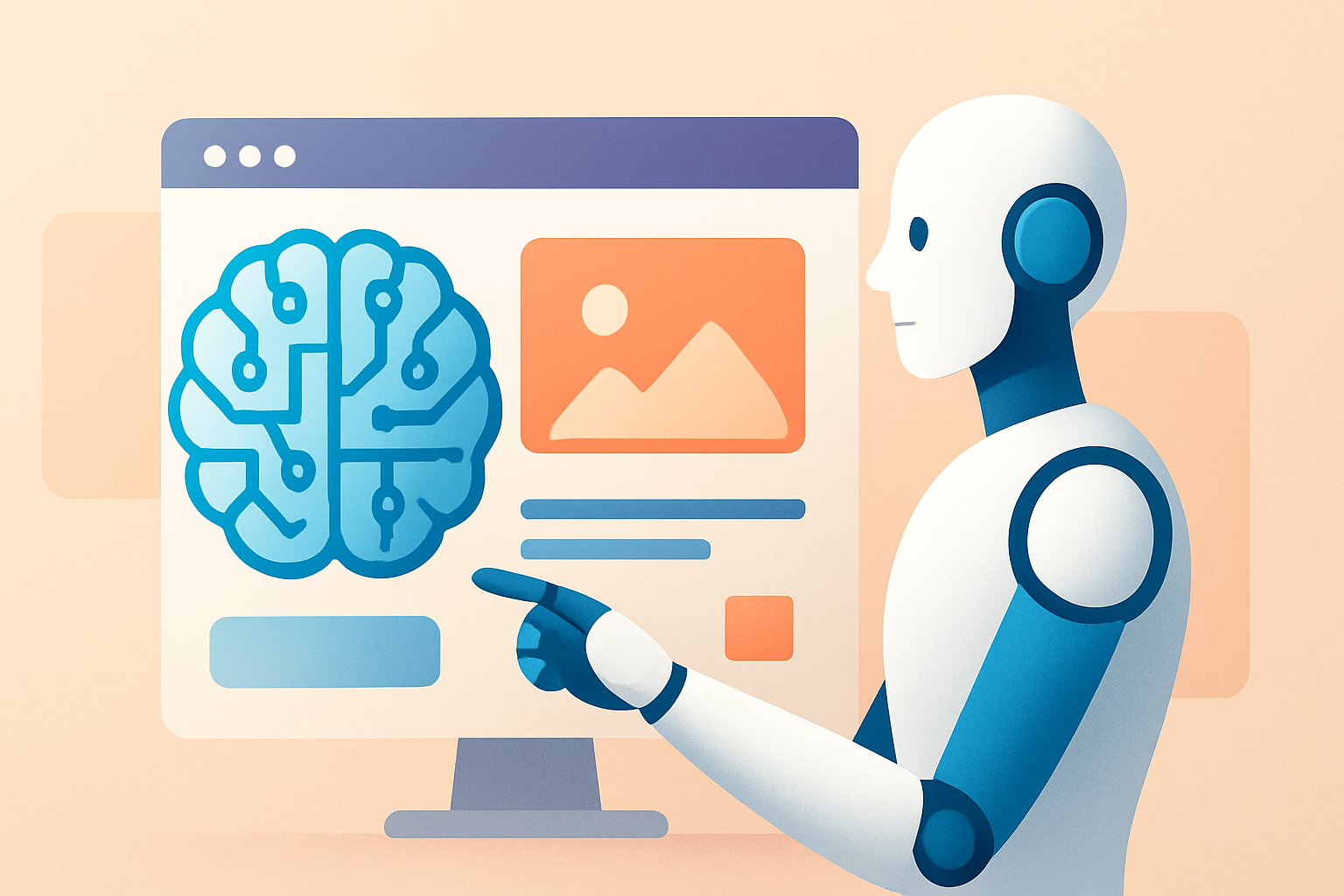
How AI Is Changing UX Design: From Personalization to Smarter Interfaces
AI is transforming UX design by enabling personalization, automating research, improving accessibility, and supporting adaptive interfaces in real time. It also raises new responsibilities around privacy, transparency, and bias mitigation.
Quick Overview
- AI helps designers personalize experiences based on behavior and context.
- Automation accelerates testing, research analysis, and content iteration.
- Adaptive UI patterns respond to user intent, device, and accessibility needs.
- Teams must manage privacy, bias, and model reliability to earn trust.
AI Is Changing UX Design—And It’s Not Just Chatbots
For years, UX design focused on layouts, flows, and usability heuristics. Today, the conversation has expanded. AI is changing how interfaces learn from users and how designers validate experiences.
Instead of designing only for an “average” visitor, teams increasingly design for individuals. That shift comes from machine learning systems that can interpret intent, predict needs, and tailor content.
Meanwhile, design workflows are evolving. AI can summarize research, generate variations for testing, and suggest improvements. As a result, UX cycles get faster, but the design bar for trust and accuracy also rises.
Personalization at UX Scale
Personalization used to be limited to rules and segments. You might show different banners for different personas. However, AI-based systems can infer finer-grained preferences and context signals.
In practice, this changes how designers approach information architecture. Navigation, content ordering, and recommendation strategies become dynamic. Consequently, UX must remain understandable, not “mysterious.”
What AI-Powered Personalization Looks Like
Common personalization patterns include adaptive recommendations, smart defaults, and contextual microcopy. These features can reduce friction by presenting relevant options immediately.
- Dynamic content ordering: content reshuffles based on likely interest.
- Contextual assistance: help appears when the user struggles.
- Smart defaults: forms prefill based on past actions.
- Personalized onboarding: steps adjust to user goals.
Still, designers must consider fairness. If the model has skewed data, personalization may disadvantage certain groups. Therefore, audits and continuous monitoring become essential.
Conversational UX and Natural Language Flows
Chat interfaces popularized conversational UX. Yet AI is now enabling broader “natural language” interaction across products. Users can ask questions, refine requests, or request changes in plain language.
However, the UX goal is not to replace UI. Instead, it’s to reduce cognitive load. When conversation is designed carefully, it can guide users through complex tasks.
Design Challenges for Conversational Interfaces
Designers face unique usability problems. The interface must handle ambiguity, confirm meaning, and recover from errors.
- Intent clarity: prompts should help users express goals accurately.
- Graceful failure: the system should offer alternatives when unsure.
- Action confirmation: critical actions require explicit user approval.
- Conversation memory: context must be managed transparently.
For many teams, this is where UX design and product safety meet. Designers need alignment with engineering and compliance. Otherwise, the experience may feel unpredictable.
AI-Assisted Design Research and Synthesis
UX work depends heavily on research. Interviews, usability tests, support tickets, and analytics all inform decisions. Traditionally, synthesis and analysis were time-consuming.
AI now helps teams summarize findings and cluster themes faster. It can also extract insights from transcripts and session recordings. As a result, teams spend less time on manual reading and more time on solutions.
How AI Speeds Up UX Research
AI can streamline different research stages, including discovery and evaluation.
- Transcript summarization: key quotes and themes appear quickly.
- Issue clustering: similar pain points group automatically.
- Insight generation: patterns connect behaviors to needs.
- Research briefs: findings translate into actionable design questions.
Even so, AI outputs require human review. Researchers must confirm that insights match the original data. Otherwise, the team may build on inaccurate interpretations.
Faster Testing with AI-Generated Variations
Testing is where UX decisions become measurable. A/B testing and usability evaluations help teams validate changes. Yet preparing variations—especially copy and layout alternatives—can be slow.
AI can generate UI content variants and propose design options. It can also help create test plans by mapping user journeys to measurable outcomes.
However, speed should not override rigor. UX design still requires clear hypotheses and meaningful metrics.
Where AI-Generated UX Variations Help Most
AI tends to be most useful in areas where the core structure stays stable.
- Button and headline copy: multiple tone variations for clarity.
- Error messages: improved readability and recovery steps.
- Form microcopy: guidance for validation and required fields.
- Recommendation cards: layout tweaks for scanning behavior.
Meanwhile, structural UI changes may require deeper validation. For example, shifting navigation hierarchy can impact comprehension.
Accessibility Improvements Through AI
Accessibility is a central part of modern UX design. AI can support accessibility in both proactive and reactive ways.
For instance, AI can help generate alt text, propose reading-level adjustments, and improve content structure. It can also assist with captioning and transcription for audio and video.
Yet designers must be careful. Auto-generated outputs can be wrong or incomplete. Therefore, accessibility features should include review steps when accuracy matters.
Practical Accessibility Use Cases
- Content simplification: rewrite complex text into clearer language.
- Assistive navigation: help users jump to key sections.
- Real-time captions: improve comprehension for video content.
- Semantic UI labeling: strengthen screen reader support.
To keep accessibility meaningful, teams should follow WCAG guidelines and test with real users.
Designing for Trust, Privacy, and Explainability
As AI personalizes and predicts, UX becomes partly a “decision interface.” Users must understand why recommendations appear. They also need control over data usage.
Trust is not optional. If the experience feels intrusive, users abandon the product. Therefore, transparency patterns belong in UX, not legal pages.
UX Patterns That Build Trust
- Clear consent: explain what data drives personalization.
- Control panels: allow users to adjust preferences.
- Model uncertainty cues: indicate when suggestions are probabilistic.
- Explainable recommendations: show key factors in plain language.
Additionally, teams must address privacy and retention. UX copy and settings should align with actual backend data policies.
What Designers Should Change in Their Workflow
AI is not only changing the interface. It is changing the process of UX design itself. Teams now need new collaboration habits between design, research, and AI engineering.
Accordingly, UX teams should update their tooling and review routines. They also need new checklists for AI behavior and content quality.
A Practical Workflow for AI-Enabled UX
- Define the UX goal: clarify what the AI should improve.
- Map user journeys: identify where personalization or help is needed.
- Choose measurable outcomes: use success metrics and guardrail metrics.
- Generate variations carefully: create content alternatives with consistent structure.
- Test with real users: validate comprehension, trust, and error recovery.
- Monitor behavior post-launch: track drift, bias signals, and failure modes.
- Iterate with transparency: update UX copy and controls based on feedback.
This workflow helps teams treat AI like a product feature, not a one-time integration.
How AI Impacts UX in Different Industries
AI’s UX influence varies by domain. For e-commerce, personalization and search relevance are critical. For financial tools, explainability and accuracy matter more.
In many organizations, UX teams also collaborate with marketing and operations. That connection changes measurement priorities and reporting cadence.
Examples by Use Case
Below are representative ways AI changes UX design across common product categories.
- E-commerce: product recommendations and smarter search filters reduce time-to-item.
- Fintech: guided explanations help users understand risk and fees.
- Health tech: accessible language and careful escalation improve safety.
- SaaS: onboarding adapts to user role and setup progress.
- Travel: itinerary suggestions respond to constraints and preferences.
Designers should tailor AI behaviors to domain risk. High-stakes UX needs additional verification and user controls.
Related Reading: AI for Product and Team Strategy
If you’re building or evolving product experiences, it helps to connect UX decisions with broader AI strategy. These articles offer complementary perspectives:
- AI Ideas for SaaS Products
- AI Tools Comparison for Marketing Teams
- AI Tools Comparison: Chatbots vs Assistants
- AI Tools for E-commerce Optimization
Examples: Specific UX Enhancements Powered by AI
To make the impact concrete, consider a few realistic enhancements. Each example shows how AI can improve usability while keeping the user in control.
1) Adaptive onboarding that reduces setup friction
An AI assistant can ask one or two questions, then tailor the initial dashboard. Instead of forcing users to explore menus, the system recommends a next step.
UX teams should ensure the assistant provides a visible “why” explanation. Then users can correct assumptions early.
2) Smart error recovery in forms
When validation fails, AI can suggest how to fix the issue. It can also rewrite confusing error messages in simpler terms.
Crucially, the system should not guess silently. It should point to the exact field and offer a reliable fix.
3) Accessibility-ready content generation
AI can convert product descriptions into multiple reading levels. It can also generate summaries for users who want a quick scan.
However, designers should review outputs, especially for regulated or technical content.
FAQs
Will AI replace UX designers?
No. AI can accelerate research and draft variations. Still, UX designers control goals, usability standards, and ethical tradeoffs.
How do we prevent bias in AI-driven UX?
Start with diverse training data and define fairness guardrails. Then test across user groups and monitor outcomes after launch.
What’s the biggest UX risk with AI features?
Unreliable behavior can break trust. Users need transparency, predictable recovery, and human-aligned defaults.
How can smaller teams adopt AI UX practices?
Focus on one high-impact area first. For example, improve content clarity, automate research summaries, or enhance form error messages.
Key Takeaways
- AI changes UX from static screens to adaptive experiences.
- Personalization can improve relevance, but requires transparency and controls.
- AI accelerates research and testing, yet needs human validation.
- Accessibility gains are possible, but outputs must be reviewed.
- Trust, privacy, and reliability should be treated as core UX requirements.
Conclusion
AI is reshaping UX design in meaningful and measurable ways. It enables personalization, faster research synthesis, and more responsive interfaces. At the same time, it introduces new risks around privacy, bias, and inconsistent behavior.
Therefore, successful teams treat AI as a design material. They define clear goals, add trust-building patterns, and test with real users. If done well, AI-powered UX can feel more helpful, not more complicated.
Ultimately, the best experiences will be the ones that respect user intent. They will reduce friction while maintaining clarity and control.





