
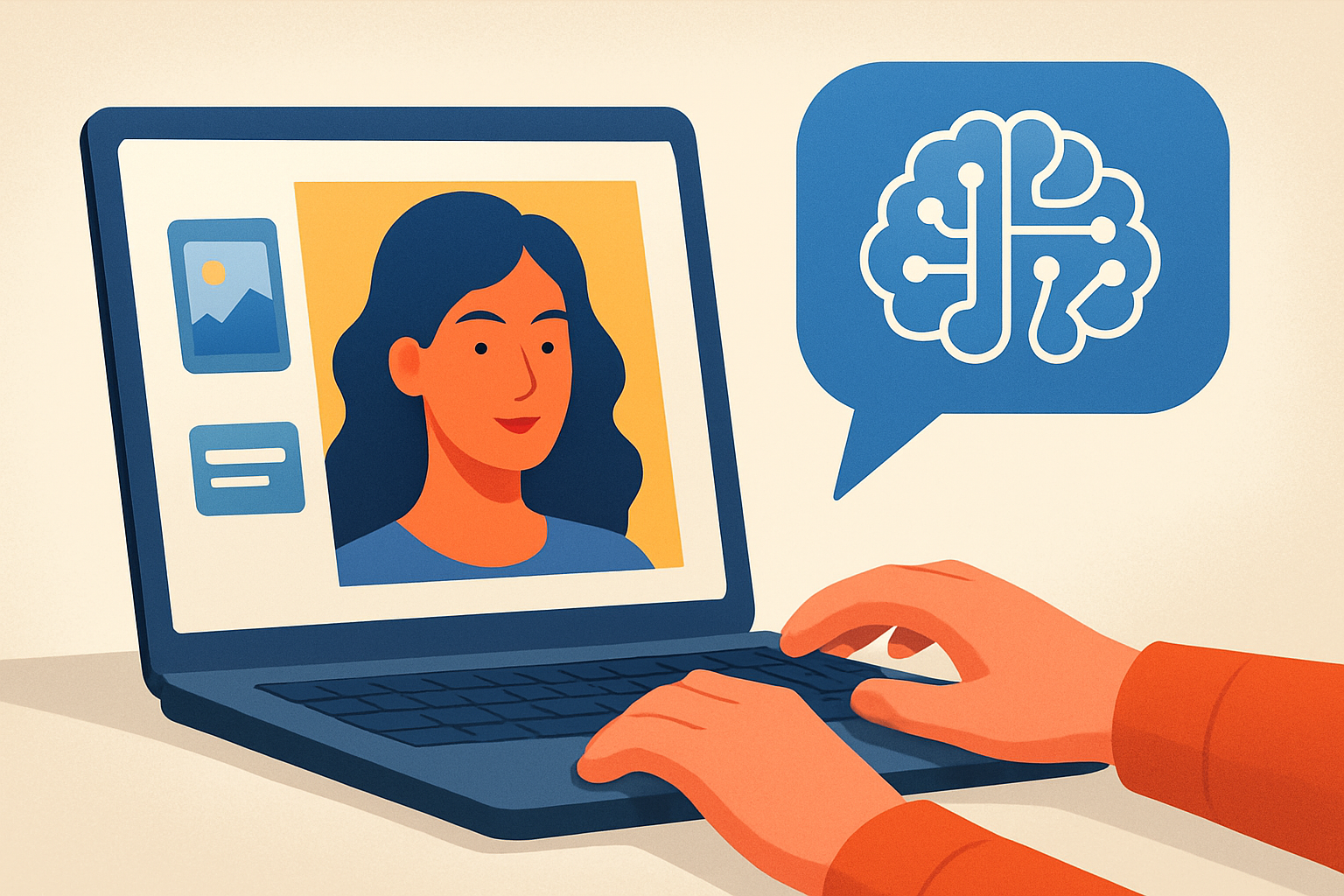
Beginner’s Guide to AI Image Generation
AI image generation turns words into images and transforms creative workflows. This guide explains basics, workflows, and safe practices for beginners.
Quick Overview
- What AI image generation does and why it matters.
- Core model types and common workflows.
- Step-by-step prompts and editing tips for beginners.
- Resources and tool recommendations for getting started.
What Is AI Image Generation?
AI image generation uses machine learning to create images from data. Models learn from millions of images and captions. They then generate new visuals based on prompts or existing images.
Beginner-friendly systems let you type a phrase and receive an image. Others support editing existing photos, replacing parts, or changing style. Overall, the technology speeds creative tasks and lowers technical barriers.
Key Types of AI Image Generation
Understanding the common types helps beginners choose the right tool. These types differ in input, output, and control.
Text-to-image models create images from descriptive prompts. Image-to-image tools transform or upscale photos. Inpainting tools replace parts of an image using a mask. Style transfer applies one visual style to another image.
Why AI Image Generation Matters for Beginners
AI image generation democratizes visual creation. Non-designers can prototype product images and marketing visuals quickly. Moreover, creators can explore ideas without heavy software skills.
Businesses use generated images for ads, social media, and prototypes. Artists use them to iterate concepts and mix visual styles. Consequently, learning this skill gives creative professionals and hobbyists a practical advantage.
How AI Image Generation Works
At a high level, models learn statistical patterns across many images and captions. During generation, they sample from those learned patterns to build new visuals. Different architectures achieve this with varied strengths.
GANs, or generative adversarial networks, pit two neural networks against each other. Diffusion models gradually remove noise from random inputs to produce images. Transformer-based models use attention mechanisms for rich, context-aware images.
Model Training and Data
Training requires large datasets of images and paired text. Datasets can include public images, licensed content, or synthetic collections. The quality and bias of the data directly impact results and safety.
Developers fine-tune models for specific tasks, like photorealism or illustrations. Fine-tuning boosts quality but can raise legal and ethical questions about sourced images.
How It Works / Steps
- Choose a model or service that fits your goals and budget.
- Craft a clear prompt describing subject, style, and mood.
- Set parameters like resolution, iterations, and sampling method.
- Generate multiple variations to select the best result.
- Edit or inpaint to refine composition and correct errors.
- Export and apply post-processing or upscaling as needed.
Practical Tips for Beginners
Start with a clear goal for each image. Are you experimenting or producing a final asset? Defining purpose guides prompt detail and model choice.
Use descriptive prompts and include references for style and camera settings. For example, write "wide-angle landscape, golden hour, Fujifilm look." This produces more predictable results.
Adjust parameters gradually. Increase resolution and sampling steps when you need more detail. However, higher settings take more time and cost more on paid services.
Test free tools to learn the workflow. For a curated list, see Best Free AI Image Generators in 2026. Then compare paid options using reliable comparisons like AI Tools Comparison: Which One Is Best?
Common Prompt Techniques
Use structure in prompts to balance creativity and control. Start with the subject, then add style, mood, and technical detail. End with desired aspect ratio and quality keywords.
Examples of useful prompt fragments include "photorealistic," "cinematic lighting," "vibrant color palette," and "8k." Combine them judiciously for clearer outputs.
Ethics, Copyright, and Safety
AI systems reflect their training data. They can reproduce recognizable likenesses or copyrighted styles. Use care when creating images of public figures or trademarked characters.
Always check the platform's license for commercial use. Credit may be required in some cases. Moreover, avoid generating harmful or deceptive images to respect ethics and laws.
Tools and Resources to Learn
Many platforms offer beginner modes and templates. Explore tutorials and communities to learn prompt craft and editing techniques. Forums and social groups provide rapid feedback.
If you work in content creation, combine image generation with content tools. For example, read our Beginner’s Guide to Using AI for Content Creation to learn integrated workflows.
Examples
Below are practical use cases that illustrate everyday benefits. Each example shows how beginners can apply the technology.
Marketing visuals: Create hero images for landing pages. Use text prompts like "minimalist product shot, soft shadows." This quickens campaign production.
Social media content: Generate unique post images and story backgrounds. Use bold colors and clear focal points for attention.
Product prototyping: Visualize packaging variations and colorways quickly. Designers can iterate with fewer mockups and lower costs.
Concept art: Produce mood boards and storyboards for film or games. Combining multiple prompts speeds ideation and collaboration.
Advanced Options and Workflow Enhancements
As you gain confidence, explore inpainting and image-to-image workflows. These allow fine control over composition and detail. Many professionals use these to refine AI outputs.
Also experiment with upscalers and restoration tools for print-ready images. These improve clarity while preserving artistic intent. Finally, automate repetitive tasks with scripts or API integrations.
FAQs
What is the best free tool to start with?
Free tools vary by quality and limits. Try a reputable free generator first. Then compare features and upgrade when you need higher resolution or commercial rights.
How can I write better prompts?
Be specific and concise. Include subject, style, lighting, and camera details. Iterate quickly and keep a prompt library for reuse.
Can I use AI-generated images commercially?
Licensing rules vary by platform and model. Always read the service terms. When in doubt, choose models and platforms that grant commercial rights.
Do generated images infringe copyright?
Generated images can mirror training data. This creates legal gray areas, especially with famous works. Avoid copying identifiable copyrighted art or asking for exact replicas.
How do I get photorealistic results?
Use photorealistic keywords and camera details. Increase sampling steps and choose high-quality models. Post-process using upscalers and noise reduction.
Key Takeaways
- AI image generation is accessible and powerful for beginners.
- Choose the right model based on your goals and budget.
- Craft clear prompts and iterate quickly to improve results.
- Respect licenses, ethics, and legal considerations for commercial use.
- Use community resources and comparisons to accelerate learning.
Conclusion
AI image generation opens creative doors for beginners and professionals. It speeds ideation and reduces technical barriers to visual design. Start with simple prompts and free tools to learn the workflow.
As you progress, refine prompts, explore inpainting, and learn licensing rules. With practice, you will produce consistent, high-quality images for marketing, design, and storytelling.





