
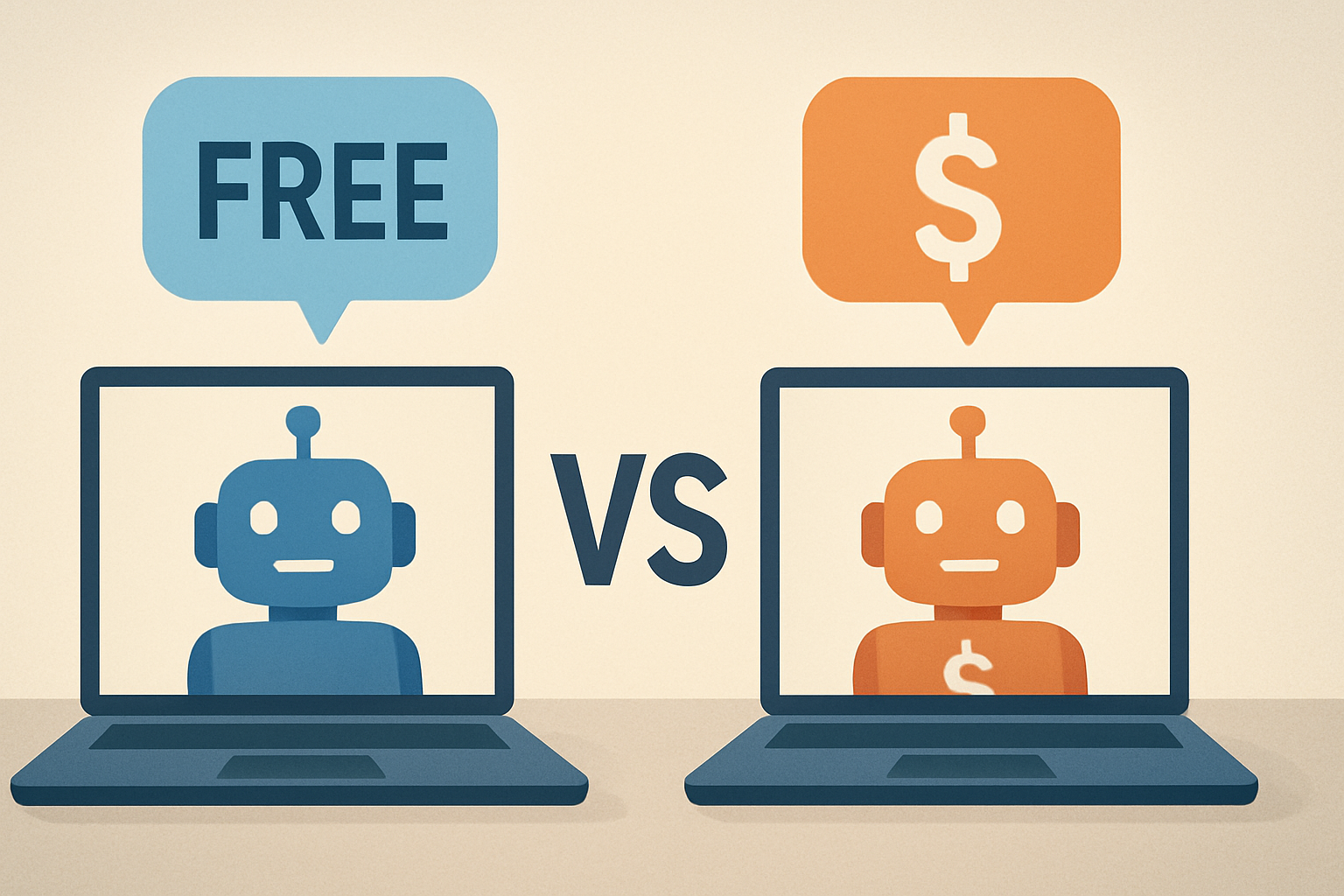
AI Tools Comparison: Free vs Paid Solutions
Free AI tools are great for experimentation and light tasks, while paid solutions usually win on reliability, advanced features, and business-grade support.
Quick Overview
- Free tools are ideal for learning, demos, and small projects.
- Paid tools typically offer higher limits, better models, and stronger consistency.
- Security and privacy controls often improve with paid plans.
- Teams should prioritize workflows, admin controls, and collaboration features.
Why This AI Tools Comparison Matters
AI tools are everywhere now, from writing assistants to code copilots and customer support bots. However, the “best” option depends on your goals, budget, and risk tolerance. A free tool can feel impressive today and frustrating tomorrow, especially when usage limits hit.
In contrast, paid solutions usually trade lower friction for higher predictability. They often provide clearer policies, steadier performance, and better access to advanced capabilities. That makes the free-versus-paid decision a practical business choice, not just a personal preference.
To help you decide, this guide compares free and paid AI tools across the areas that matter most. We will focus on quality, cost, privacy, limits, and team readiness. You will also find examples you can reuse for your own evaluation process.
Free AI Tools vs Paid AI Tools: The Real Differences
At first glance, many free and paid AI tools look similar. Both can generate text, summarize documents, and assist with coding. Yet the details often change once you measure performance, reliability, and governance.
1) Quality and Model Access
Many free plans provide access to lighter models or limited usage of more capable ones. That can reduce output quality or increase variability. Paid plans often include higher-tier model access and more consistent results.
Additionally, free tools may rotate models based on traffic. As a result, two requests made minutes apart can produce different styles or accuracy levels. Paid tools usually aim to keep behavior stable for productivity workflows.
2) Usage Limits and Performance Under Load
Free tools commonly enforce rate limits, token caps, or daily quotas. When traffic spikes, response times can also increase. This is especially noticeable for longer prompts and multi-step tasks.
Paid solutions frequently offer higher quotas, faster processing, and priority handling. Therefore, you spend less time waiting. You also spend less time retrying outputs.
3) Feature Coverage: Tools, Integrations, and Automation
Paid plans often include advanced features like custom instructions, larger context windows, file uploads, and tool integrations. Some platforms also support automation through APIs or workflow builders.
Free tiers may include basic chat features only. They might not support integrations with cloud storage or developer environments. This gap matters if you want AI embedded in real operations, not just ad-hoc experimentation.
4) Privacy, Data Handling, and Compliance
Privacy policies vary widely across providers. Many free tools prioritize experimentation, which can mean more limited controls over data retention. Paid plans often offer clearer data handling options and enterprise-grade controls.
If you work with sensitive customer data, legal documents, or internal strategy, read the terms carefully. Look for options such as data exclusion, retention settings, and logging controls. These details can outweigh small differences in output quality.
5) Support, Reliability, and Service Level Expectations
Free tools typically rely on community resources and forums. Paid tiers frequently include email support, onboarding help, and sometimes dedicated account management. In practice, better support can reduce downtime during critical work periods.
Furthermore, paid plans may include uptime commitments or incident response processes. That becomes important when AI is part of your customer experience.
What You Should Evaluate Before Choosing
Because “best tool” varies, you should evaluate AI tools with a repeatable checklist. Start with your primary use case, then test output quality and workflow fit. This process prevents you from buying the wrong capability.
Core evaluation criteria
- Use case fit: writing, coding, summarization, or support automation.
- Output quality: accuracy, tone, and factual reliability.
- Context handling: ability to work with longer prompts and documents.
- Iteration workflow: whether edits are easy and outputs are consistent.
- Integration needs: APIs, file handling, and third-party connectors.
- Governance: admin controls, audit logs, and data policies.
- Total cost: not just the subscription fee, but also time saved.
How It Works / Steps
- Define the task: Write, code, summarize, or automate customer responses.
- Test with realistic prompts: Use your own documents, not generic examples.
- Measure reliability: Run the same prompt multiple times and compare results.
- Check limits: Test long prompts and multi-step workflows.
- Review privacy terms: Confirm data retention, training policies, and retention controls.
- Validate integration: Ensure the tool fits your stack and workflow.
- Decide a plan: Start free for learning, then upgrade for production needs.
Examples: Which Option Fits Which Scenario?
Below are practical scenarios that show how free and paid AI tools behave in the real world. Consider these examples as templates for your own selection process.
Example 1: Personal productivity writing
If your goal is drafting emails, brainstorming ideas, or improving readability, free tools often suffice. You can experiment with tone adjustments and structure suggestions. Still, you may hit daily limits if you write heavily.
For consistent output, a paid plan can reduce retries and improve formatting control. It also helps if you use AI daily and want stable performance.
Example 2: Developer workflows and coding assistance
Developers often start with free copilots or chat-based coding assistants. These can help with snippets, debugging guidance, and documentation summaries. However, free tiers may limit advanced features or longer code contexts.
Paid solutions frequently improve context length, codebase assistance, and integration options. For teams, access to APIs and role-based controls can also matter. If you are exploring more tools, you might also like Free AI Tools for Developers.
Example 3: Customer support automation
Customer support teams need reliability, fast responses, and predictable tone. Free tools can draft replies quickly for low-volume workflows. Yet they may lack enterprise controls or stable throughput during peak hours.
Paid tools often provide better integration with ticketing systems and stronger guardrails. They also support higher volume and more consistent behavior, which reduces customer frustration. For deeper comparisons, see Best AI Tools for Customer Support.
Example 4: Knowledge management and internal search
Knowledge management requires summarization, retrieval, and consistent formatting. Free tools can summarize documents, but they might not support robust indexing. As a result, you may spend time reformatting outputs.
Paid platforms can offer better document processing and workflow automation. They may also integrate with internal systems. If you are evaluating options, consider AI Tools for Knowledge Management for additional context.
Cost Comparison: Paying for What, Exactly?
Cost decisions often feel vague because AI pricing is based on usage and tiering. Free plans appear “free,” but time becomes the hidden cost. When limits interrupt your workflow, you lose momentum.
Paid plans typically charge for capacity, advanced models, and enterprise features. Therefore, the value comes from productivity and risk reduction. The question is not whether you can do the task for free, but whether you can do it reliably at scale.
Where paid plans usually deliver clear value
- Higher limits: fewer interruptions and less retrying.
- Better context windows: easier handling of long documents.
- Team controls: admin features, permissions, and shared settings.
- Integration and automation: APIs, connectors, and workflow tools.
- Enterprise privacy options: clearer retention and governance.
Common Misconceptions About Free AI Tools
Many people assume free AI tools are “bad” or “unusable.” That is not necessarily true. Free plans can be effective for learning, prototyping, and lightweight tasks.
However, free tools can be a mismatch for production workflows. Their limits and variability can cause inconsistent results. Additionally, governance controls may not meet business requirements.
Myth vs reality
- Myth: Free means lower intelligence.
Reality: Free often means constrained capacity and limited features. - Myth: Free is always safe for sensitive data.
Reality: Data handling policies can be less controlled. - Myth: Paid is only for enterprises.
Reality: Small teams benefit from reliability and integrations.
Tips for Teams: Choosing AI Tools Comparison for Collaboration
When teams evaluate AI tools, the decision becomes less about individual preference. Instead, it becomes about shared workflows, permissions, and consistent output standards.
To support collaboration, you should look for features that help teams align. Shared prompts, consistent settings, and centralized management matter. Additionally, audit logs can support compliance needs.
If your team is comparing options, you may find useful AI Tools Comparison for Teams.
FAQs
Are free AI tools good enough for business use?
Sometimes, yes. Free tools can work for internal drafts and low-risk tasks. However, paid plans are often better for high-volume operations, compliance needs, and consistent results.
What should I check in privacy policies?
Check data retention, training use, and logging controls. Also verify whether you can exclude your data from training. If you need compliance, confirm relevant certifications or contractual terms.
Do paid AI tools always produce more accurate answers?
Not always, but they often improve reliability. Paid tiers can provide better model access and more stable performance under load. That can reduce errors and reduce the need for retries.
Is it better to start free and upgrade later?
For many users, yes. Starting free lets you validate the workflow and measure time savings. Once your usage becomes consistent, a paid plan can remove limitations and improve productivity.
How do I compare tools without being overwhelmed?
Use a small test suite. Choose 5–10 real prompts from your work. Score outputs for accuracy, formatting, and ease of editing. Then compare results and limits.
Key Takeaways
- Free AI tools excel at exploration, learning, and simple tasks.
- Paid solutions often provide reliability, higher limits, and advanced features.
- Privacy, governance, and support can determine the right choice.
- Teams should compare workflow fit, not just output quality.
Conclusion
The best AI tools comparison is not free versus paid in a vacuum. It is about whether the tool can deliver consistent value for your actual workflows. Free tools help you start fast, while paid tools help you scale safely.
Use the checklist and examples in this guide to test tools with real prompts. Then match your findings to your risk tolerance and workload. With a practical evaluation process, you will avoid both overspending and underperforming solutions.
Ultimately, the right choice will feel straightforward. You will know where free tools fit and where paid tools become indispensable. And once you align AI with your goals, productivity gains tend to compound.





