
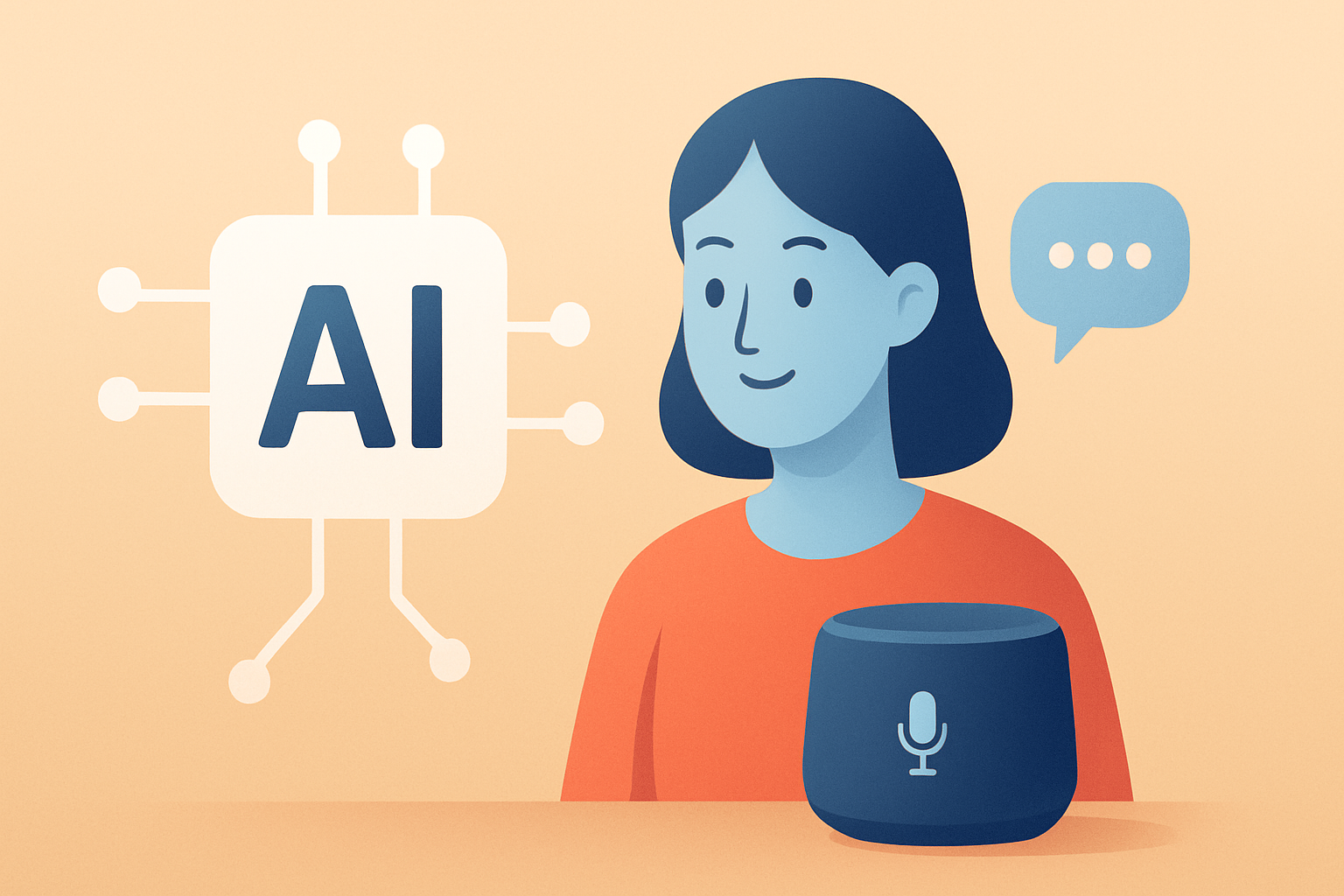
How AI Is Powering Smart Assistants
Smart assistants are no longer simple chatbots. Today, they help schedule meetings, draft emails, summarize documents, and coordinate workflows. Most importantly, they do it with an awareness of context.
In other words, modern AI is transforming assistants into practical tools. As a result, they increasingly feel like digital colleagues. Meanwhile, businesses are using them to reduce repetitive work and improve response times.
This article explores how AI powers smart assistants, why their capabilities are expanding, and what to expect next. We will also cover real-world use cases and the challenges that still matter.
From Keyword Replies to Context-Aware Assistants
Earlier “assistant” experiences often depended on rigid rules. Those systems looked for keywords and returned prebuilt answers. However, they struggled with ambiguity and multi-step tasks.
Now, AI-driven assistants rely on machine learning and natural language processing. These models learn patterns from large datasets. Consequently, they can interpret meaning, not just words.
Additionally, modern systems use techniques like retrieval and memory. Retrieval helps the assistant search relevant information. Memory helps it remember user preferences within a conversation or across sessions.
The Core AI Components Behind Smart Assistants
Smart assistants are usually built from multiple AI capabilities. Each part handles a different slice of the user experience. Together, they enable both conversation and action.
Natural Language Understanding (NLU)
Natural language understanding is the assistant’s interpretation layer. It identifies intent, extracts key details, and resolves references. For example, it can understand that “next Thursday” relates to a scheduling request.
As NLU improves, assistants become better at handling complex instructions. They also become more reliable in multiturn conversations. Ultimately, that leads to fewer misunderstandings.
Language Generation and Reasoning
Once the assistant understands the request, it must respond appropriately. Generative AI can produce fluent text and structured outputs. However, good responses require more than grammar.
Many assistants use reasoning strategies to plan steps. They may break down tasks into smaller operations. Then, they combine results into a single coherent reply.
This is where the experience becomes “smart.” The assistant can ask clarifying questions when needed. It can also propose options instead of forcing one path.
Retrieval-Augmented Generation (RAG)
Retrieval-Augmented Generation, or RAG, is a major enabler for factual assistance. It connects the model to a knowledge source. Then, it grounds answers in retrieved content.
This reduces hallucinations and improves relevance. It also allows assistants to answer questions about private documents. For businesses, that means internal policies and product catalogs become usable through chat.
Tool Use and Workflow Automation
Conversation alone does not create value. Smart assistants must take action. That is why tool use is so important.
AI agents can call external systems like calendars, ticketing tools, or spreadsheets. They may also trigger multi-step workflows. For instance, they can summarize a support thread, create a draft response, and update the ticket.
Because these actions are structured, the assistant becomes operational. In turn, users spend less time clicking between apps.
Personalization: Why Assistants Feel More Useful
Personalization is another reason assistants have rapidly improved. Users want results that match their habits and goals. Therefore, AI must adapt over time.
Many assistants learn from interaction signals. These can include the topics a user prefers or the tone they choose. They may also observe formatting preferences for summaries and reports.
However, personalization has limits. If it is too aggressive, it can feel invasive. As a result, transparency and controls are becoming standard requirements.
Multimodal Capabilities Are Expanding Assistant Power
Modern assistants increasingly handle more than text. Multimodal AI can process images, audio, and sometimes video. That capability changes what users can ask for.
For example, an assistant can interpret a screenshot. It can then explain what is happening and propose next steps. Similarly, voice input enables hands-free interaction.
Meanwhile, multimodal workflows support creative and operational tasks. They also help bridge gaps between technical tools and everyday users.
Smart Assistants in Business: Real-World Use Cases
In the business world, smart assistants are most valuable when they reduce friction. They help teams find information faster and respond more consistently. They also support knowledge work at scale.
Here are common categories of enterprise assistant use:
- Customer support: Draft replies, categorize tickets, and summarize conversations.
- Sales enablement: Generate outreach messages and assist with lead research.
- Operations: Monitor tasks, update systems, and coordinate schedules.
- Knowledge management: Answer questions from internal documents and manuals.
- HR and onboarding: Explain policies and help employees navigate processes.
Notably, many teams start with “assistive” features first. They then expand to automation once accuracy is proven. This staged approach helps manage risk.
If you are exploring productivity and workflow design, you may also like Top AI Tools for Productivity in 2026.
Smart Assistants at Home: Convenience Meets Coordination
At home, assistants focus on convenience. They manage reminders, control devices, and support daily planning. Over time, they can help users coordinate household schedules.
Additionally, smart assistants can become a planning hub. They can consolidate messages, emails, and calendars. Then, they produce a daily brief with priorities.
However, home assistants must be reliable. Users expect accurate timelines and clear confirmations. That puts pressure on systems that handle context and intent properly.
AI Tools for Collaboration and Knowledge Work
Smart assistants often integrate with collaboration platforms. They help teams co-author documents and reduce communication overhead. Also, assistants can act as a “research teammate” by locating relevant sources.
For teams that want to work faster, AI can assist in several ways. It can summarize discussions, track decisions, and draft meeting notes. It can also convert bullet points into clear action items.
If your goal is collaboration-focused tooling, see Best AI Tools for Collaboration.
Meanwhile, organizations that manage large knowledge bases may benefit from AI Tools for Knowledge Management. Together, these tools and assistants can make knowledge easier to reuse.
The Challenges: Accuracy, Privacy, and Trust
Despite rapid progress, smart assistants still face serious challenges. The biggest concerns involve accuracy and trust. Another major issue is user privacy.
Hallucinations and Verification
Generative models can produce plausible but incorrect information. Therefore, grounding responses with retrieval helps. Still, users need ways to verify critical facts.
Many systems include citations or references to retrieved sources. Others encourage users to confirm details before actions. In high-stakes domains, human review remains essential.
Privacy and Data Handling
Assistants may handle sensitive content like personal schedules or internal documents. As a result, data governance becomes central. Organizations need clear policies for retention, access, and permissioning.
Additionally, user trust depends on controls. Users should know what data is stored and why. They should also be able to delete history when desired.
Bias and Uneven Performance
AI systems can reflect biases from training data. That can affect how assistants interpret requests. It can also influence the quality of responses across different user groups.
Teams should test assistants with diverse scenarios. They should monitor outcomes after deployment. Then, they should update models or prompts as needed.
What’s Next: The Next Wave of AI Assistants
Smart assistants are moving toward more agentic behavior. Instead of responding only to prompts, they plan and execute multi-step tasks. This shift requires careful design and guardrails.
We can also expect tighter integration with everyday tools. Calendars, email, project management, and document systems will likely become default interfaces. Consequently, assistants will feel less like apps and more like operating layers.
Another trend involves richer personalization with user-controlled memory. That means preferences can persist safely. It also means assistants can tailor outputs without guesswork.
Finally, multilingual and multimodal experiences will expand accessibility. Users will be able to speak, upload, and search in more natural ways.
Key Takeaways
- Smart assistants rely on NLU, generative AI, retrieval, and tool use.
- Retrieval-augmented generation improves relevance and reduces errors.
- Personalization and multimodal inputs make assistants more practical.
- Privacy, accuracy, and bias remain crucial for long-term trust.
Conclusion
AI is powering smart assistants by combining language understanding, grounded knowledge, and automated action. As these systems become more context-aware, they turn conversation into real productivity.
At the same time, the challenges are not disappearing. Accuracy verification and responsible data handling will shape adoption. Therefore, the best assistant experiences will balance capability with control.
In the near future, smart assistants will likely become the front door to work and daily life. They will help users navigate information, coordinate tasks, and move from ideas to outcomes faster.





